Organisation and method
How to approve an AI-written email before sending
An AI draft can save time, as long as it stays under control. Here is how to organize human approval before sending a client email.

A client writes. You need to understand the request, find the context, answer in the right tone, check the attachments, then send. When these emails repeat throughout the day, AI can prepare a useful reply.
But a client email is not just text. It commits your company. An awkward phrase, a promise that goes too far, a forgotten attachment, or a response that does not fit a sensitive situation can create a problem.
The right approach is to use AI to prepare, not to decide. The workflow writes an AI draft. A person reviews it, edits it if needed, then approves the send.
Why keep human approval before sending
AI can quickly produce a reply from a received email, a conversation history, or an internal instruction. It can rephrase a request, suggest a clear response, adapt the tone, restate the next steps, and prepare a follow-up.
The benefit is clearest for emails that come back often: quote requests, file follow-ups, appointment confirmations, missing documents, delivery questions, commercial information requests. In these cases, the person no longer starts from a blank page. They review a base that is already structured.
The risk is not only spelling. A draft can be too assertive, too cold, too sales-oriented, or miss an important nuance. It may look correct on the surface, but fail to account for the right file, a previous exchange, or an internal commitment.
Human approval therefore keeps the decision in the team’s hands. AI proposes. A person checks the substance, tone, recipients, attachments, and timing of the send. This is a good fit for SMEs that want to respond faster without giving automation free rein.
Set up the principle: draft, check, approve, send
The target process should remain simple. If the process becomes too heavy, teams will bypass it. If it is too permissive, you lose control.
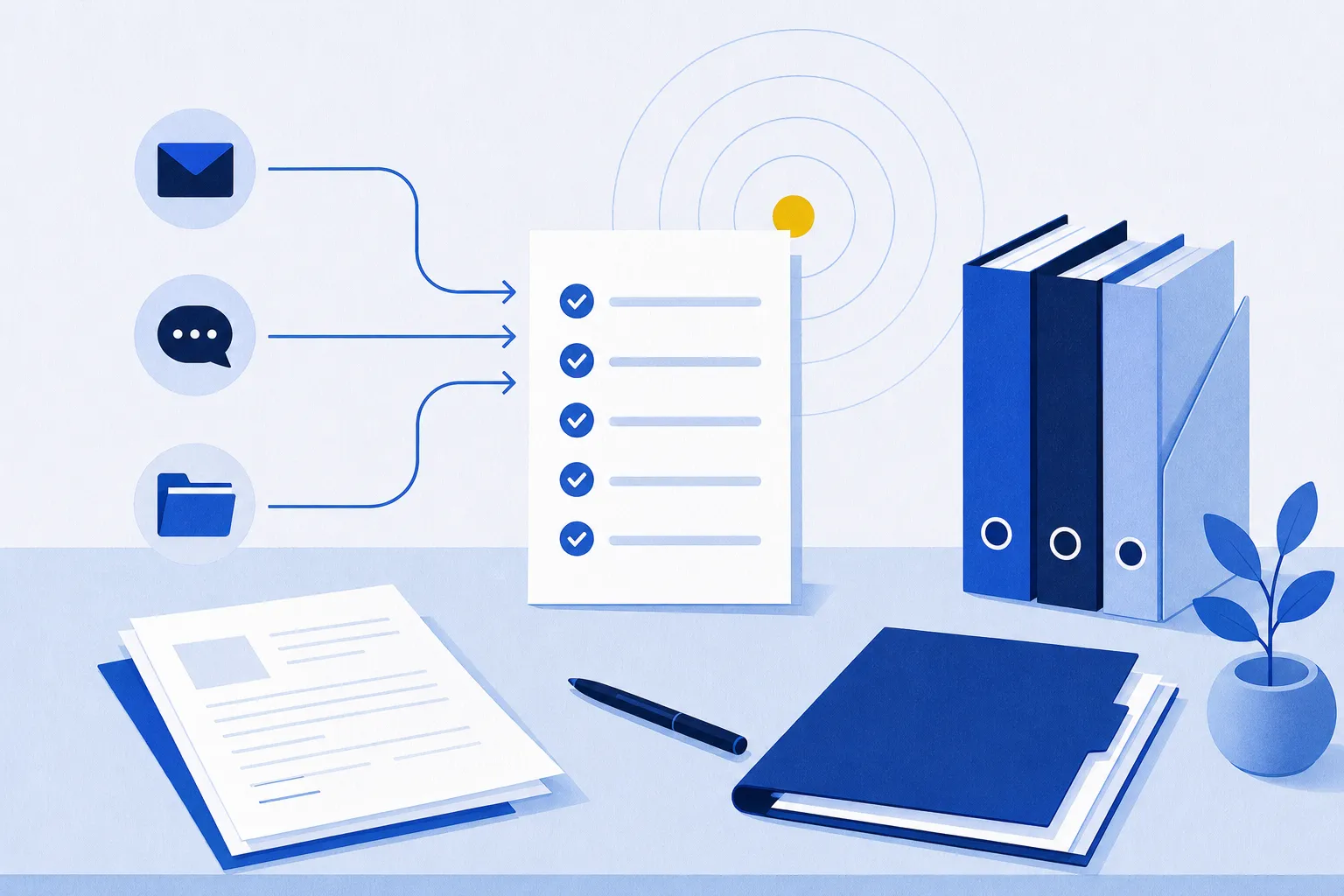
An email workflow with approval generally follows these steps:
- an email arrives in the usual mailbox;
- the workflow reads the request and identifies the topic;
- AI prepares a response draft;
- the draft stays blocked until a designated person has reviewed it;
- the approver accepts, edits, rejects, or requests a correction;
- after approval, the email is sent from the team mailbox;
- the workflow keeps a record of the proposed draft, the edits, and the send.
This logic must be visible to users. The approver should not have to search for where to approve. A clear interface, a notification, or an approval queue is often enough.
At Loop & Roll, one-click approval makes this control step tangible. The draft remains a proposal. The person stays in control before sending. They can edit the content, add a clarification, remove a sentence, change a recipient, or decide to handle the email themselves.
This point is essential: approval must not be a formality. It helps secure the emails sent in your company’s name.
Choose the right emails for AI drafting
Not all emails lend themselves to the same level of automation. To start, choose frequent, bounded cases that are easy to review.
Good candidates are often:
- client replies to common requests;
- quote requests that need follow-up questions;
- reminders for missing documents;
- follow-ups on incomplete files;
- personalized acknowledgments of receipt;
- follow-up replies after an appointment;
- internal requests that must be routed to the right person.
Human approval becomes especially useful as soon as a message can commit the company. This includes complaints, financial topics, cancellation requests, disputes, dissatisfied clients, or exchanges with several recipients.
In a complaint, for example, AI can help rephrase calmly, acknowledge the request, and suggest a measured response. But a manager should review it before sending. Tone matters as much as substance.
You can take inspiration from workflows such as the AI reply sent after approval. The principle is simple: prepare faster, but never send an important client message without approval.
Define control rules before connecting AI
The best time to frame a workflow is before it goes into production. You need to decide what AI can process, what it must not process, and when it must stop.
Start by listing authorized emails: simple requests, frequent topics, already documented answers, and cases where teams have a template or a clear internal rule.
Then list emails to escalate without a draft or with reinforced approval:
- angry client;
- threat or dispute;
- unrecognized case;
- sensitive personal data;
- unusual amount;
- specific commercial commitment;
- request involving legal opinion or regulated advice, depending on your situation.
Also designate the right approver. It is not always the same person. A commercial reply can be approved by a sales manager. A complaint can go through a manager. A quality issue may require dedicated approval. A sensitive case should go back to someone who knows the context.
Next, prepare tone instructions. They should be short and concrete: polite, direct, empathetic, cautious, with no unapproved promise. Avoid vague instructions. AI needs a clear frame.
Finally, define what the workflow must check before drafting: client identity, relevant file, attachments, conversation history, internal status, applicable template. If these elements are missing or do not match, the workflow should flag this to the approver instead of producing an overconfident reply.
A decision log is also useful. It lets you find the proposed draft, edits, approval, send, and exceptions. If a question comes up, you understand what happened.
Know when it is better not to use AI
No need for AI here if the message always follows the same rule. An acknowledgment of receipt, a transfer to the right team, simple filing, or a standard reply without nuance is often better handled with a deterministic workflow.
A fixed-rule workflow is enough when the content depends only on a status, a request type, or an already approved template. It will be easier to explain, more stable, and easier to control.
Conversely, some messages should remain entirely human. This is true for a delicate negotiation, an open conflict, a sensitive personal situation, a highly committing decision, or a topic that requires a regulated professional opinion. Depending on your situation, check with your advisor.
The rule to remember is simple: automate what relieves the team without reducing its judgment. If context is missing, if the client’s tone is unusual, if information does not match, or if the workflow hesitates, a person takes over.
To choose between fixed rules and AI, you can also read the article deterministic workflow or AI agent: which should you choose?.
Build an email workflow with approval
An email workflow with approval can start from several mailboxes. Loop & Roll can launch workflows when an email arrives in Gmail, automate an Outlook mailbox, and connect an IMAP / SMTP mailbox when it uses these protocols.
The flow remains the same, regardless of the starting point.
First, the workflow understands the request. It identifies the intent, summarizes the message, and spots useful elements. It can distinguish a quote request, a follow-up, a complaint, a simple information request, or a message to forward.
Then it checks the planned frame. Is the topic authorized? Is the client identified? Are the attachments present? Is the file consistent? Does it need to check information available in a connected tool? If a business tool does not have a listed native connector, it may sometimes be possible to connect to it through its API or through webhooks when the publisher provides them, to be checked case by case, or through file or email exchange.
Then AI writes the draft. It relies on the instructions, the available context, and the expected level of caution. It can suggest a concise reply, a polite follow-up, or a more empathetic message depending on the case.
The draft then goes to approval. The person reviews, edits, and approves. If the message falls outside the frame, they reject the draft or take over the response manually.
After approval, the email is sent from the usual mailbox. The workflow logs the action. This record helps understand decisions, adjust instructions, and handle exceptions.
Loop & Roll uses artificial intelligence to understand, summarize, and write, while keeping human approval as the default safeguard.
Secure the workflow before expanding it
Before expanding the scope, secure the way it works. An email workflow should know how to do a few things, but do them within a clear frame.
First, define a caution threshold. If the workflow is not sure about the category, context, or right file, it should not improvise. It can request reinforced approval, flag the uncertainty, or send the email directly to a person.
Filter sensitive data before certain AI steps when necessary. Also limit the workflow’s rights. It should access only the mailboxes, folders, and actions useful to its role.
Keep a log of every action: received email, classification, proposed draft, approval, edit, send, exception. This log does not prevent every error, but it helps understand and correct them.
Also plan a kill switch. If unusual behavior appears, you must be able to stop the workflow and take back control.
The choice of AI also matters. Loop & Roll lets you choose the AI according to your constraints, including an AI hosted in France (OVHcloud), in respect of GDPR. The reliability mechanisms help maintain this level of control over time.
To start without taking unnecessary risk, begin with a frequent, low-risk, time-consuming email category. Review the drafts internally. Compare them with the replies actually sent. Adjust the instructions. Only then add more nuanced cases.
This is also the role of Loop & Roll: first identify the emails that take time through an AI audit, then turn an opportunity into a controlled workflow. The approach moves step by step: identify, automate, measure, and expand.
Frequently asked questions
Can an AI email be sent without human approval?
Technically, some simple messages can be sent without approval. For client, sensitive, or committing messages, human approval remains recommended by default. It keeps the decision in the team’s hands.
Can the approver edit the draft?
Yes. They must be able to correct the substance, tone, attachments, and recipients before approval. A good workflow does not force the send. It proposes a working base.
Should AI be used for all emails?
No. Some messages are better handled with fixed rules. Others should remain entirely human. AI is useful when it prepares a response that the team can easily control.
What happens if AI makes a mistake?
The draft remains subject to approval. Exceptions must be escalated. The log then helps understand the error, correct the instructions, and adjust the workflow.
If you want to identify the emails that deserve an AI draft with human approval, Loop & Roll can review your case with you. You can Book a demo to start from a concrete example in your mailbox.




The Loop & Roll team The partners who help SMEs automate their admin work.
Meet the team