Organisation and method
Automate e-commerce support emails without losing control
Your e-commerce support team is buried in recurring emails. Here is how to sort them, prepare replies, and keep control over sensitive decisions.

E-commerce customer support often receives the same requests, in different forms. One customer asks where their parcel is. Another asks for an invoice. Another reports a declined payment. Another wants to return a product or understand a refund.
When everything arrives in the same inbox, the team has to read, understand, check, copy, reply, then follow up. This is not a single task. It is a chain of small decisions. And this is exactly where a saturated mailbox becomes risky: forgotten messages, duplicates, uneven replies, poorly classified tickets.
Automating does not mean letting a machine decide instead of your teams. In e-commerce support, the right goal is simpler: prepare the work, secure repetitive steps, and keep human validation where it matters.
Why the support mailbox gets saturated
Most support emails are not complex. They are numerous, repetitive, and rarely complete in the first message.
The same categories often appear:
- order or delivery tracking;
- invoice request;
- product return;
- refund request;
- declined payment or payment to retry;
- follow-up after a first reply;
- priority message, sometimes written in a tense tone.
The operational cost comes from the sequence. Someone opens the email, identifies the topic, looks for the order number, checks the status, reviews the history, copies information into the support tool, prepares a reply, then remembers to follow up if needed.
When the inbox overflows, errors do not come only from a lack of attention. They come from lost context. Two people may reply to the same customer. An email may remain without a clear status. A reply may go out with different wording depending on who is available.
This is the classic problem of the saturated inbox. The issue is not only replying faster. It is turning incoming emails into qualified, tracked, and controlled requests.
Map requests before automating
Before creating a workflow, start by classifying requests. This step is useful even without a tool. It shows what can be automated, what should be prepared, and what should remain fully human.
List categories and variants
Take real emails and group them by intent:
- “Where is my order?”;
- “I have not received my invoice”;
- “I want to return this product”;
- “My payment is not going through”;
- “I have not been refunded”;
- “I already wrote to you.”
Then note the variants. An order tracking request may include an order number, only an email address, or a screenshot. A refund request may be simple, or linked to a dispute. A declined payment may come from a known customer, or from a cart without a clear customer account.
Separate simple, verifiable, and sensitive cases
A good map distinguishes three levels:
- simple requests, such as classifying an email, adding a label, or preparing an acknowledgment;
- requests to check, such as finding an order, an invoice, or a payment;
- sensitive cases, such as an unusual refund, a very unhappy customer, a doubt about identity, or a contradiction between the email and the available data.
You do not need AI for everything here. If the rule is fixed, a deterministic workflow is often enough: classify, assign, follow up, check that a field is present. AI becomes useful when you need to understand a free-form message, rephrase a reply, or detect an intent despite different wording.
Build a reliable triage queue
The first workflow to put in place is not necessarily the one that replies to the customer. It is often the one that turns a confusing inbox into a queue of qualified customer tickets.
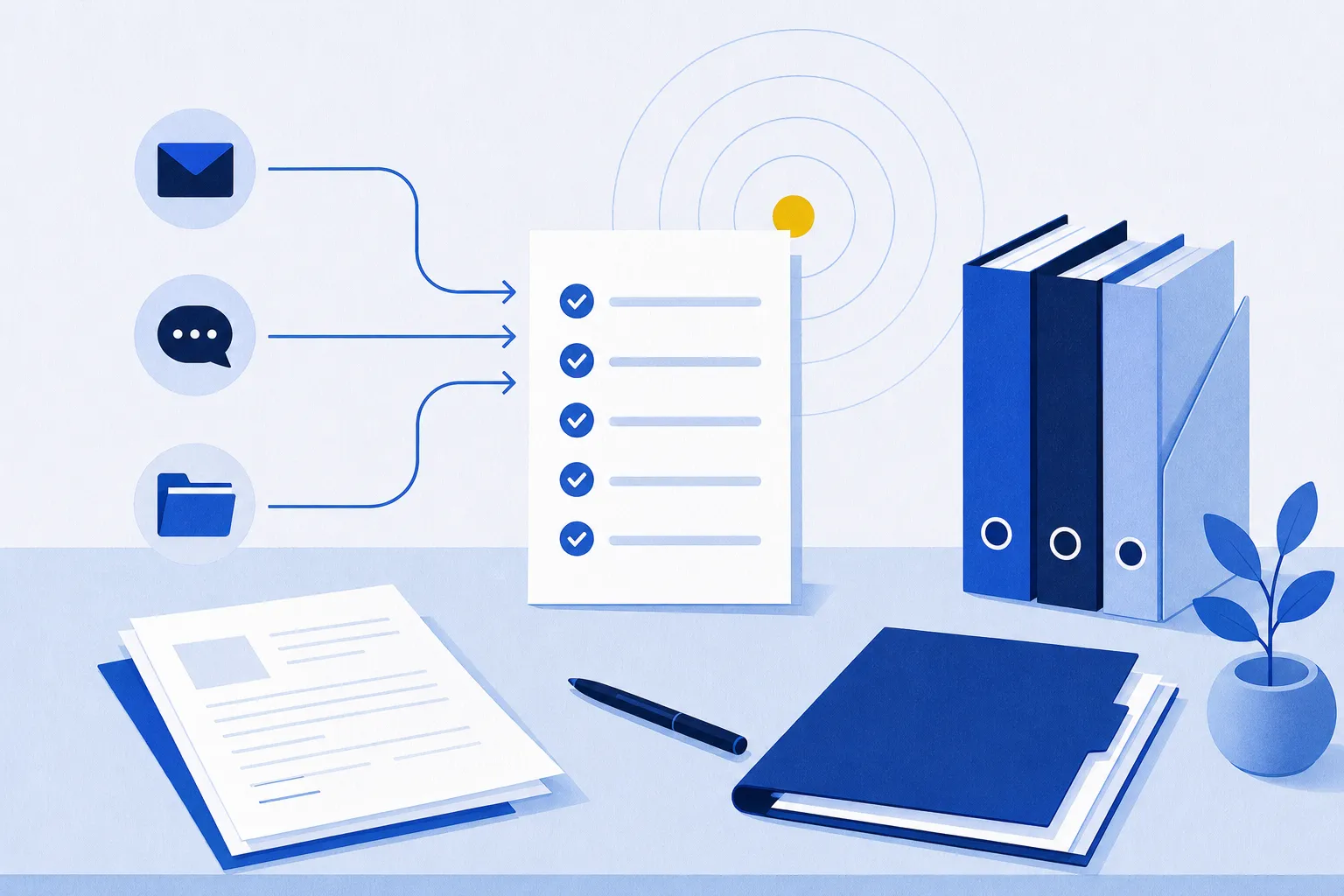
A good triage workflow follows a simple logic:
- it triggers when an email arrives, depending on the mailbox used;
- it reads the message and useful attachments;
- it recognizes the type of request;
- it extracts the necessary information: customer email, order number, invoice, status, payment, return reason;
- it creates or updates a customer ticket;
- it labels, prioritizes, and assigns;
- it prepares a draft or places the ticket in “to verify” status.
The goal is to stop treating every message at the same level. An invoice duplicate request does not require the same attention as a customer threatening to open a dispute. A follow-up after several exchanges should not be handled like a first contact.
If your team already works in a support tool, the workflow should fit into it. For example, Gorgias can create a ticket from an email, reply to the customer, add an internal note, tag, open, close, or assign. Zendesk can turn an email into a ticket with its attachments, reply or add an internal note, change the status, group, or agent. Freshdesk can create a ticket from an email with its attachments, reply, add a note, change the status, priority, or agent.
The important point is not to change your organization. It is to feed the one your teams already use more effectively.
Automate recurring requests one by one
E-commerce support should not be automated all at once. It is better to start with a clear, frequent request, with known rules. Then expand when the team sees that the workflow truly helps.
Order tracking
The workflow recognizes a tracking request, looks for the available elements, then prepares a clear reply. If information is missing, it opens an internal task or places the ticket in “to verify.”
The draft can explain what the team knows, what it is checking, and what the customer can expect as the next step. It must not invent missing delivery information.
Invoice request
The workflow checks the requester’s identity, searches for the order or invoice, then prepares the document to send or an internal request.
If the request comes from an address different from the one on the order, the workflow does not force the send. It flags the doubt and asks for validation.
Product return
The workflow identifies the reason, checks the internal conditions set by your commercial policy, then prepares the return instructions. If information is missing, it asks the customer for the necessary details.
Depending on your situation, have your return rules validated by your counsel. The workflow must apply your instructions, not interpret them on its own.
Refund
This is a more sensitive case. The workflow can check the payment, match it with the order, and propose the action. But it must ask for human validation before any binding action, especially if the amount, context, or customer tone falls outside the usual frame.
With Stripe, a workflow can create a payment link or an invoice to send by email, find and create customers, check and refund payments, and react when a payment succeeds or an invoice is paid. For Mollie and PayPlug, workflows can also cover payment links, tracking, and refunds depending on the connectors available in your context.
Declined payment
The workflow detects the topic, checks whether a payment exists, then prepares a reply with an instruction or a payment link. Here again, the reply should remain measured: explain the next step, avoid accusatory wording, and ask for validation if the case is ambiguous.
Follow-up or priority message
A customer who follows up is not only asking for information. They are also signaling a risk of frustration. The workflow can detect follow-up wording, a conflictual tone, or the age of the exchange, then alert the right person and log the action.
This is often where automation brings peace of mind: exceptions become visible instead of staying hidden in the inbox.
Put human validation in the right place
The principle of Loop & Roll is simple: AI proposes, a person validates by default. This works well for e-commerce support, because not all actions carry the same level of risk.
You can let the workflow handle low-risk actions:
- classify a ticket;
- add a label;
- prepare a draft;
- create an internal note;
- ask for missing information using an approved template.
However, some actions should remain validated:
- trigger a refund;
- send a binding reply;
- handle an unhappy customer;
- change a commercial decision;
- answer a request related to a dispute or a legal situation.
Also plan circuit-breaker rules. The workflow must stop and request human review when it detects doubt about the customer, an inconsistency between the email and payment data, an unreadable attachment, a conflictual tone, or an incomplete request.
Every action must leave a trace: email read, proposed decision, data checked, person who validated, reply sent. This log helps you understand what happened and improve the workflow with real cases.
Secure data and connect the right tools
A support team handles personal data, purchase histories, and sometimes payment information. Automation must therefore be limited, traceable, and understandable.
A few simple rules prevent many risks:
- filter sensitive data before processing when necessary;
- limit the workflow’s permissions to what it needs;
- separate reading, preparation, and validation actions;
- keep a consultable log;
- plan alerts in case of failure;
- do not automate without validation cases that require commercial or legal judgment.
The choice of AI should also depend on your context. Loop & Roll can use different models, including an AI hosted in France (OVHcloud), in respect of GDPR.
For tools not listed, such as an e-commerce platform, an ERP, or a specific support tool, each case must be checked individually. When the vendor provides an API or webhooks, a connection can be studied with the HTTP connector from Loop & Roll. Otherwise, an exchange through files or emails may sometimes be enough.
This is especially useful for e-commerce and retail teams, where support, logistics, invoicing, and payments often overlap in the same exchanges.
Start small, measure, then expand
The best path is to choose a highly recurring and low-risk request: invoice, order tracking, or declined payment. You create a prototype, test it on real emails, then adjust the rules, drafts, and statuses.
Measuring does not necessarily mean promising a quantified gain. You can observe concrete signs: better classified requests, more visible exceptions, more consistent replies, fewer duplicates, fewer tickets without an owner.
The Loop & Roll approach runs in three steps: identify with an AI audit, automate useful workflows, then measure and expand. The AI audit identifies where your teams lose time, ranks opportunities by gain and effort, then helps choose the right first cases.
A support workflow can then understand, check, enter, classify, forward, and follow up. It starts from an email, a form, a webhook, or a table. It prepares the work, while keeping the necessary validations.
Frequently asked questions
Can you automate e-commerce support without changing support tools?
Yes, if your tool can receive or update tickets, or if an exchange through emails, files, API, or webhooks is possible. The connection depends on the vendor and must be checked case by case.
Do you need AI to sort all emails?
No. For fixed rules, a deterministic workflow is often enough. AI is useful to understand free-form messages, extract information, or write a draft, but it does not need to be involved everywhere.
Can a workflow refund a customer automatically?
Technically, some payment tools allow it. In practice, it is better to request human validation before any sensitive action. The workflow can check, prepare, and propose. A person validates.
What happens if the email is incomplete or ambiguous?
The workflow should move the ticket to “to verify” status, ask for the missing information, or alert the right person. Exceptions are not failures: they show where human judgment remains necessary.
If your e-commerce support team receives many repetitive emails, we can look together at which workflows would make the most sense, without changing the way you work overnight: Book a demo.




The Loop & Roll team The partners who help SMEs automate their admin work.
Meet the team