Organisation and method
How to stop missing important emails
Important emails are not missed because teams do not care. They are missed when no one clearly knows who owns the follow-up, what to chase, and when to alert.

A client email arrives during a meeting. Someone reads it quickly, thinks it will need a reply, then moves on. Later, another person picks up the thread, forwards it, and it gets buried under notifications, quotes, invoices, and newsletters.
The problem is not a lack of goodwill. In many SMBs, teams reply quickly when they see the message at the right time. What is missing is simple follow-up: who should reply, which message needs action, and when to follow up internally.
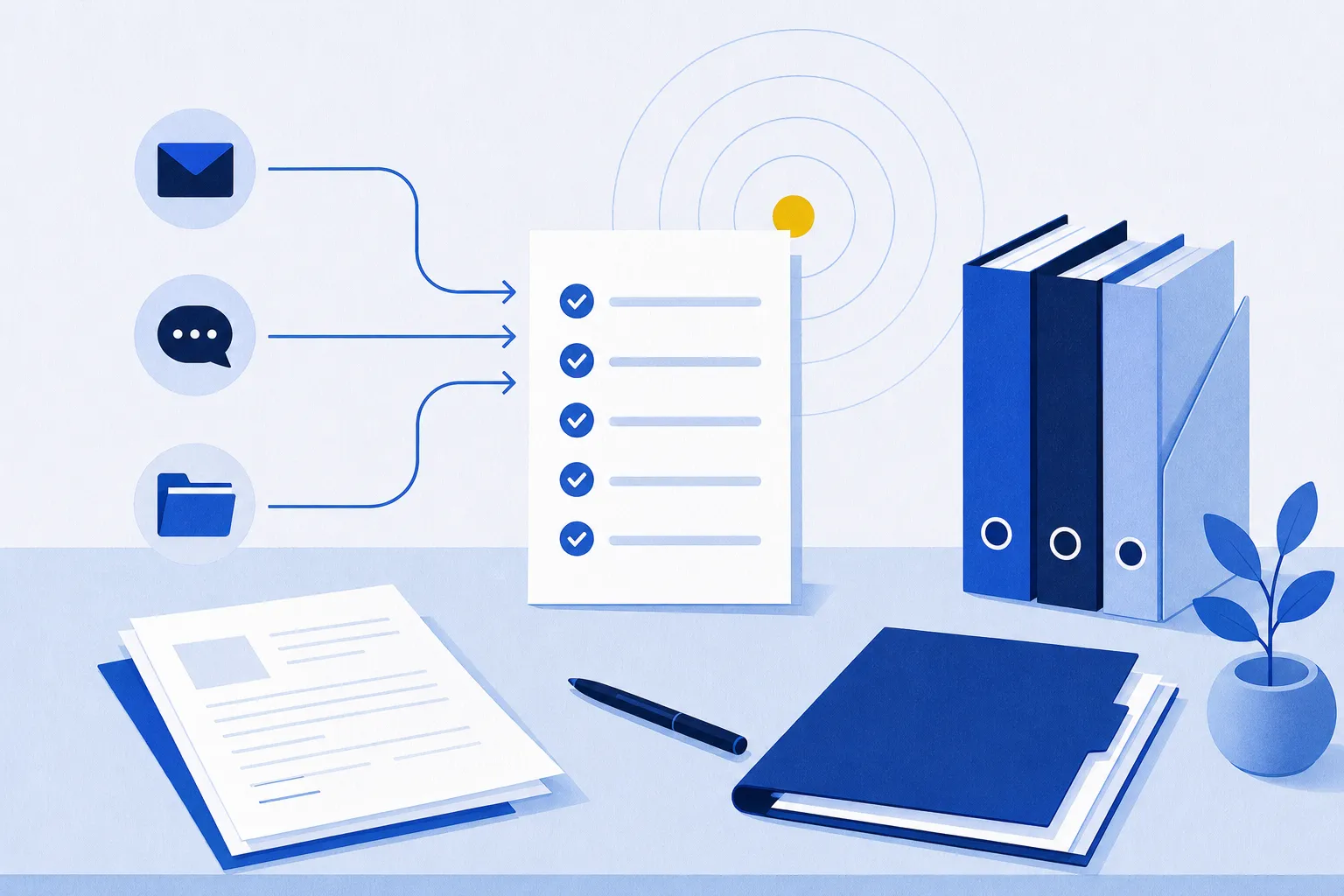
The goal is not to make the inbox more complicated. It is to create a safety net. Important emails should be identified, tracked, followed up, and, when the topic is sensitive, validated by a person before any reply is sent.
The real problem is not the inbox, it is follow-up
An inbox mixes everything: client requests, prospects, suppliers, tool notifications, newsletters, forwarded threads, automatic replies, internal copies. In that flow, an important message can easily be read, understood, and then forgotten because it was never turned into an action.
The signs are familiar:
- a client follows up while the team thought it had replied;
- two people believe the other one is handling it;
- an urgent request remains inside a forwarded thread;
- a warm prospect receives a late reply;
- a complaint waits because it was not qualified as sensitive.
Stars, flags, folders, and labels help. They provide a visual marker. But they are not enough if no one tracks what is waiting for a reply. A flag without an owner quickly becomes a silent reminder.
It is the same mechanism as in an overloaded inbox: volume is not the only issue. The real risk comes from the lack of a shared rule to decide what deserves action, who takes it, and how the team knows it is done.
Define what an important email is before automating
Before choosing a tool, you need to define your criteria. Otherwise, you automate an impression. And an impression changes depending on the person, the moment, and the workload.
An email can be important for several reasons:
- it comes from an active client;
- it comes from an already engaged prospect;
- it concerns a supplier blocking an operation;
- it contains a complaint;
- it mentions a deadline or a delivery;
- it contains a sensitive word, for example “cancellation,” “dispute,” “overdue payment,” or “lawyer”;
- it comes from the domain of a strategic account;
- it is sent to a shared inbox that commits the company.
You also need to distinguish urgency from importance. A message can seem pressing without being a priority for the company. Conversely, an important message may not require an immediate reply, but it must be tracked carefully.
The simplest approach is to set rules by team:
- sales: qualified prospect, strategic client, ongoing negotiation;
- sales administration: order, delivery, missing document, blocked file;
- accounting: supplier follow-up, supporting document, disputed invoice;
- management: key partner, contractual topic, decision to arbitrate;
- support: complaint, unhappy client, recurring incident.
In some cases, no AI is needed here. A fixed rule on the sender, subject, recipient, or a keyword is enough. For example: all emails from a specific client domain are marked and assigned to one person. AI becomes useful when the criterion depends on the meaning of the message, the context, or a long thread.
Create a lightweight tracking register
To stop forgetting, you need to move beyond a simple pile of emails. That does not mean creating a heavy tool. A short, shared, up-to-date register is often enough.
Each message to track should contain only a few pieces of information:
- sender;
- subject;
- client, prospect, or file concerned;
- responsible person;
- follow-up status;
- last action;
- next expected action.
The important question is: what counts as a response? Depending on your organization, it may be:
- an email sent to the client;
- a call made and logged;
- a ticket created;
- a task assigned to a person;
- an internal answer obtained to prepare the external reply.
Avoid an overly complete spreadsheet. If each row requires several unnecessary fields, the team will not keep it updated. A good register should help people act, not become another administrative obligation.
The most useful rule remains explicit ownership. Every important message must have a responsible person. Not necessarily the person who will reply alone, but the person who checks that the topic is moving forward. This avoids replies that everyone assumes someone else has sent.
Organize internal follow-up without creating noise
A useful alert reaches the right person, at the right time, with enough context to act. A bad alert repeats what everyone already sees and ends up being ignored.
You can choose several channels depending on your habits:
- an internal email for teams that work mainly in the inbox;
- a message in an internal chat tool;
- a task in a tracking tool;
- a notification to the person responsible for the file.
The key point is to limit alerts to messages that truly need action. An acknowledgment, a newsletter, or an automatic notification should not trigger the same attention as a client complaint.
Also plan a measured escalation. The first reminder goes to the responsible person. If the message remains unanswered according to the rule set by the company, the manager can be notified. This rule must be clear, but it does not need to be harsh. The idea is not to monitor teams. The idea is to protect the client relationship.
A workflow such as flagging important emails left unanswered for 48 h provides a concrete starting point. It must be adapted to your criteria: client type, sensitivity level, responsible person, alert channel, exceptions.
Automate detection while keeping human review
Once the rules are set, automation can save time. The workflow does not decide in place of the team. It prepares the work and flags what deserves attention.
A typical workflow works like this:
- an email arrives;
- the workflow reads the useful context;
- it qualifies the attention level;
- it checks whether a reply already exists in the thread;
- it alerts the right person if an action is missing;
- it creates a draft if a reply can be prepared;
- it records what it did in a log.
With Gmail, Loop & Roll can launch workflows when a Gmail message arrives, then sort, mark, draft, and send from the same inbox. With Outlook, Loop & Roll can trigger a workflow when an email arrives, sort, draft, and send replies through Microsoft 365.
For sensitive messages, human review should remain the rule. The workflow can summarize, classify, and propose a draft. A person validates before sending when the topic calls for it.
This is especially useful for:
- a complaint;
- a sales negotiation;
- a legal or contractual request;
- a critical supplier;
- a strategic client;
- an ambiguous thread where several people have been involved.
One-click review saves time without taking the decision away from the team. The draft is ready, but sending remains under control. And if the context is too unclear, a person takes over.
Secure the setup and know what not to automate
A good workflow must anticipate the cases that disrupt follow-up. Otherwise, it will create as much confusion as it removes.
Before going live, check at least these points:
- duplicates: the same message should not create several unnecessary alerts;
- automatic replies: out of office, acknowledgment, notification, noreply;
- replies already sent: the workflow must recognize that an action has taken place;
- forwarded threads: the responsible person may change along the way;
- absences: an important message should not remain blocked with someone unavailable;
- file changes: a client, deal, or supplier may be renamed or reassigned.
Every action must leave a trace: message read, criterion applied, draft created, alert sent, validation obtained, exception encountered. This log avoids debates such as “who saw what?” It also helps improve the rules.
You also need a circuit breaker. If the workflow encounters too many exceptions, classifies inconsistently, or sends alerts too often, it must be able to stop or switch to reinforced validation mode. The principles of reliability are based on this idea: traceability, human control, and clear error handling.
Depending on your needs, Loop & Roll can also use AI hosted in France (OVHcloud), in line with GDPR, with a sensitive data filter. This is useful when emails contain confidential, financial, personal, or contractual information.
Finally, there are cases you should not automate:
- a rule the team cannot clearly formulate;
- a high-stakes sales, legal, or relationship reply without validation;
- an alert with no designated person to act;
- an organizational disorder that automation will only make more visible.
In these situations, start by clarifying responsibilities. Automation comes after that.
How to get started simply with Loop & Roll
The right starting point is not a major redesign project. Choose a concrete case: emails from a strategic client, complaints, warm prospects, suppliers blocking an operation, or a shared inbox that is often overloaded.
The Loop & Roll approach follows three steps.
First, an AI audit. Teams explain what they handle, what gets lost, what comes back often, and what puts them under pressure. Emails are analyzed to identify opportunities, ranked by gain and effort.
Then, an opportunity becomes a workflow. We start from a prototype, validated with the people who will actually do the work. Then the workflow goes into production with a log, control rules, human review, and a circuit breaker.
Finally, we measure and adjust. Useful alerts are kept. Criteria that are too broad are tightened. Exceptions become rules, or remain handled by a person when they require judgment.
Frequently asked questions
How can important emails be recognized automatically without making too many mistakes?
You need to combine simple rules and, if necessary, AI-based context reading. Senders, domains, recipients, and keywords provide a reliable base. AI helps when it needs to understand intent, a complaint, or a forwarded thread. Uncertain cases should be submitted for validation.
Do you need AI for this topic?
Not always. If your criteria are fixed, a rule is often enough. For example, marking emails from a specific client or routing a dedicated inbox does not require AI. AI becomes valuable when the message needs to be summarized, qualified, or compared with context.
What happens if an email is classified incorrectly?
It must be possible to correct the classification, note the exception, and adjust the rule. The log helps explain why the workflow acted that way. Sensitive topics should not be sent without human validation.
Can this method be applied to a shared inbox?
Yes, and this is often where the need is most visible. You need to define one responsible person per message, avoid duplicate alerts, and decide what counts as a response. Without these rules, the shared inbox remains a place where everyone thinks someone else will handle it.
If you want to start from a real case, the simplest approach is to review a few forgotten emails or replies that came too late, then decide what deserves a first workflow. You can Book a demo to discuss it with Loop & Roll.




The Loop & Roll team The partners who help SMEs automate their admin work.
Meet the team